Independent product / Case study
WolfspaceAI: designing and building a project workspace in 2 weeks.
A clear project workspace for agencies and small teams that want to manage daily work without complex setup, too many features, or AI in every action.
- Product
- WolfspaceAI
- Timeline
- 2 weeks
- Role
- Product strategy, UX/UI, frontend, backend, database and access architecture
- Stack
- Next.js 15, React 19, TypeScript, Supabase, PostgreSQL, Auth and RLS
A tour of projects, tasks, team access, and the meeting-notes workflow.
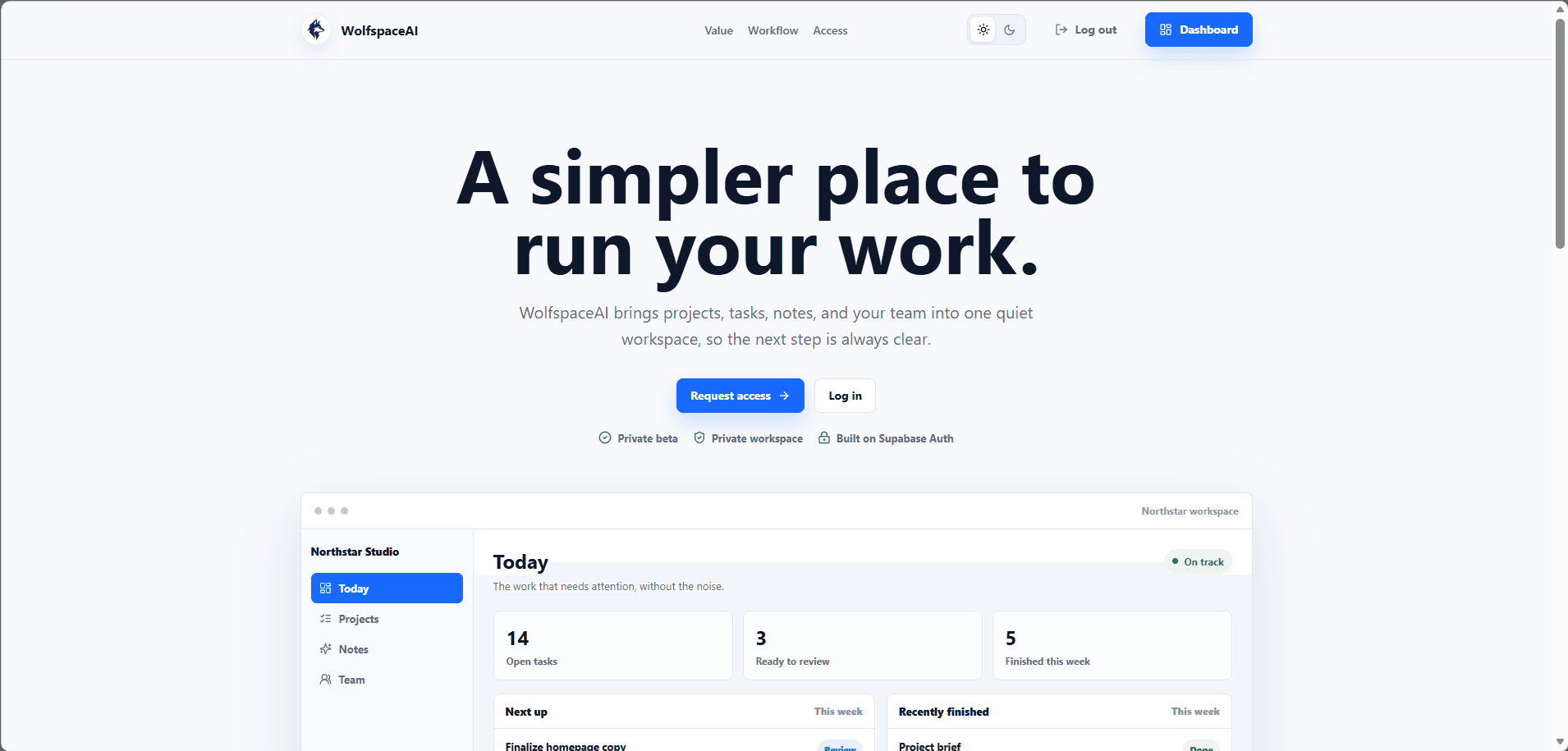
The starting point
Why build another project workspace?
There are already many project management tools. Most of them are powerful, but small teams can easily get lost in complex menus, long setup steps, and features they do not need.
I built WolfspaceAI as a calmer alternative: a clear and carefully designed workspace for projects, tasks, decisions, and team activity. AI has one focused role: helping turn meeting notes into a draft that users review before saving.
I started without a template or a reference product. I planned the page structure, main workflows, interface language, database, and development order from the ground up.
The product system
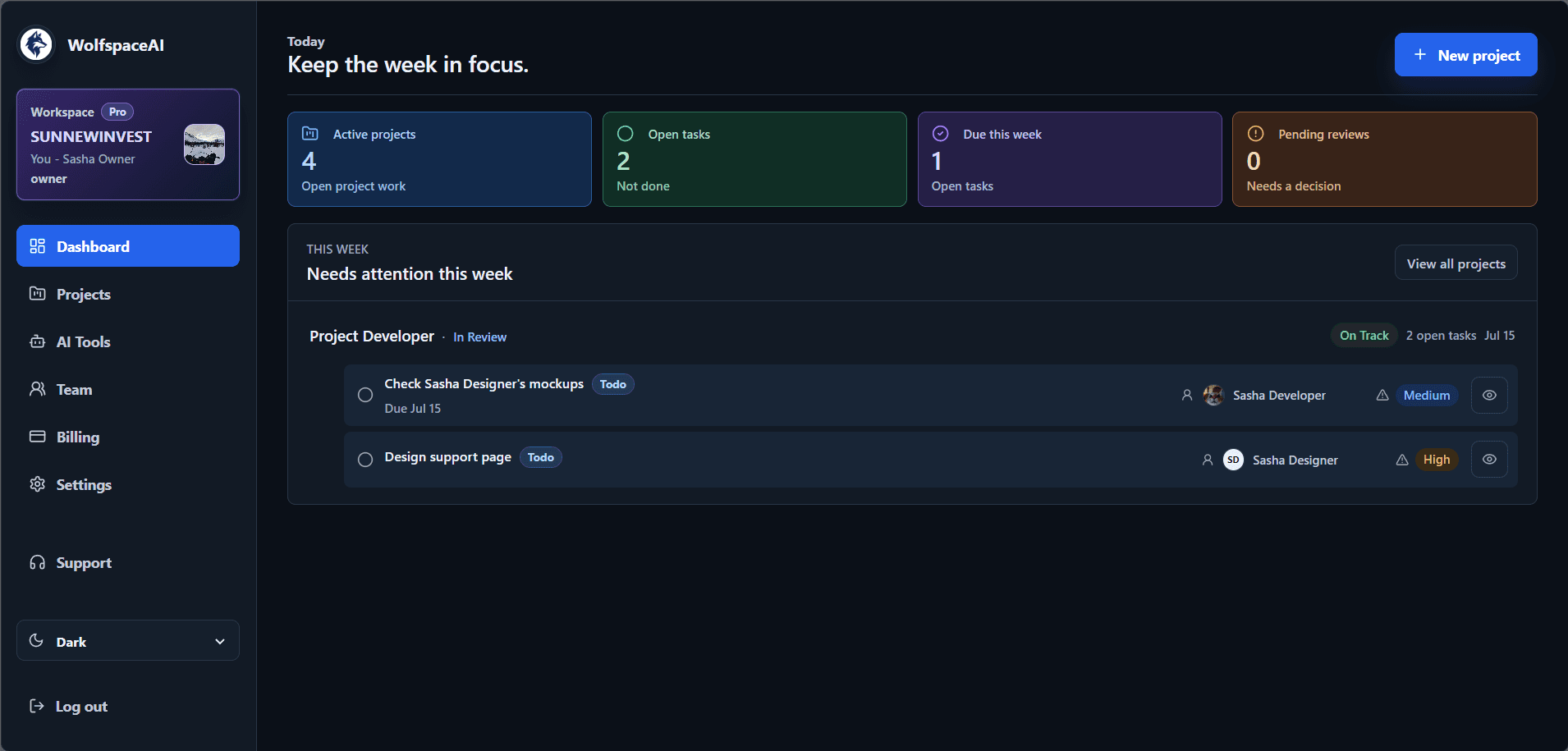
The dashboard and project workflow.
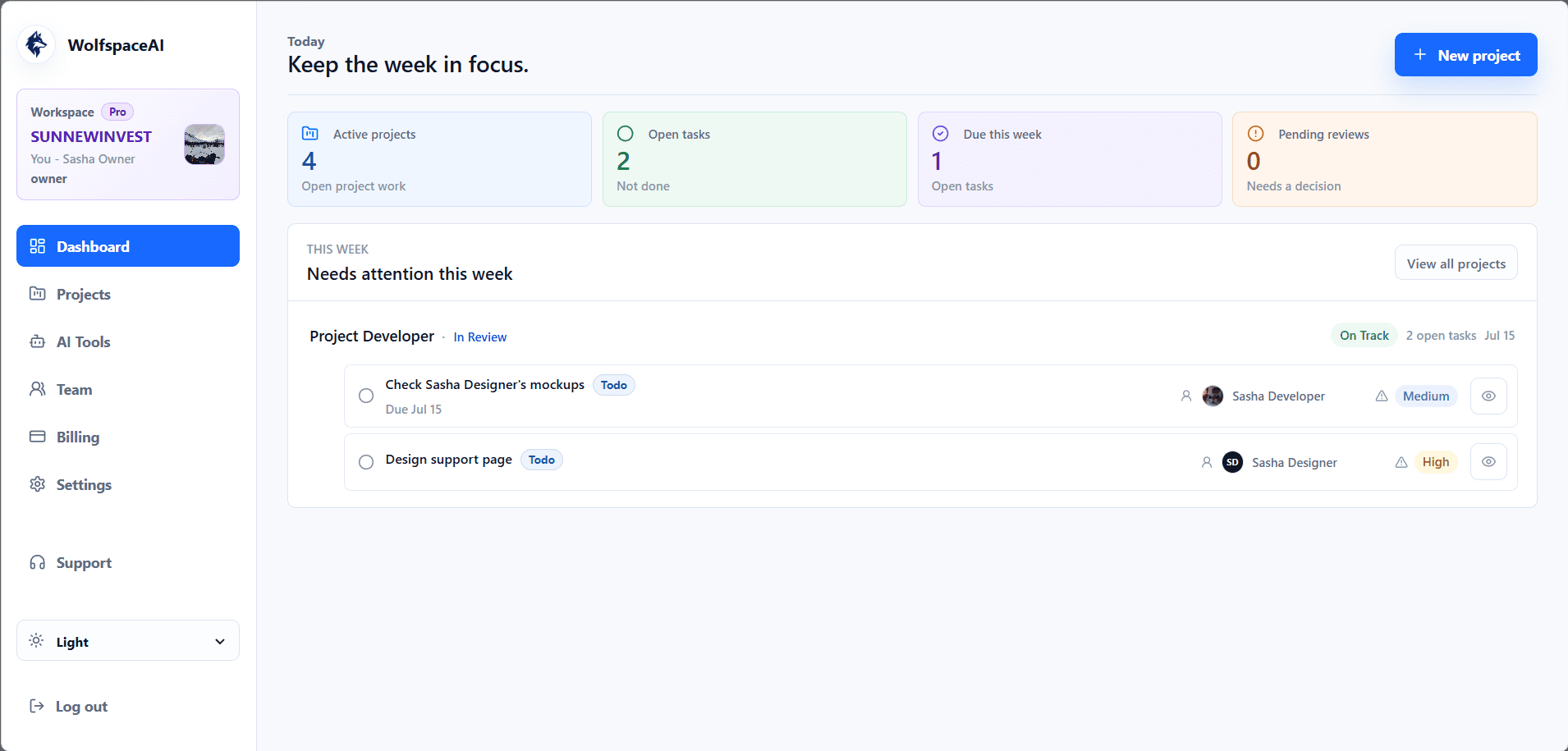
The dashboard shows active projects, open tasks, deadlines, pending reviews, and project health. It focuses on the work that needs attention instead of filling the screen with extra metrics.
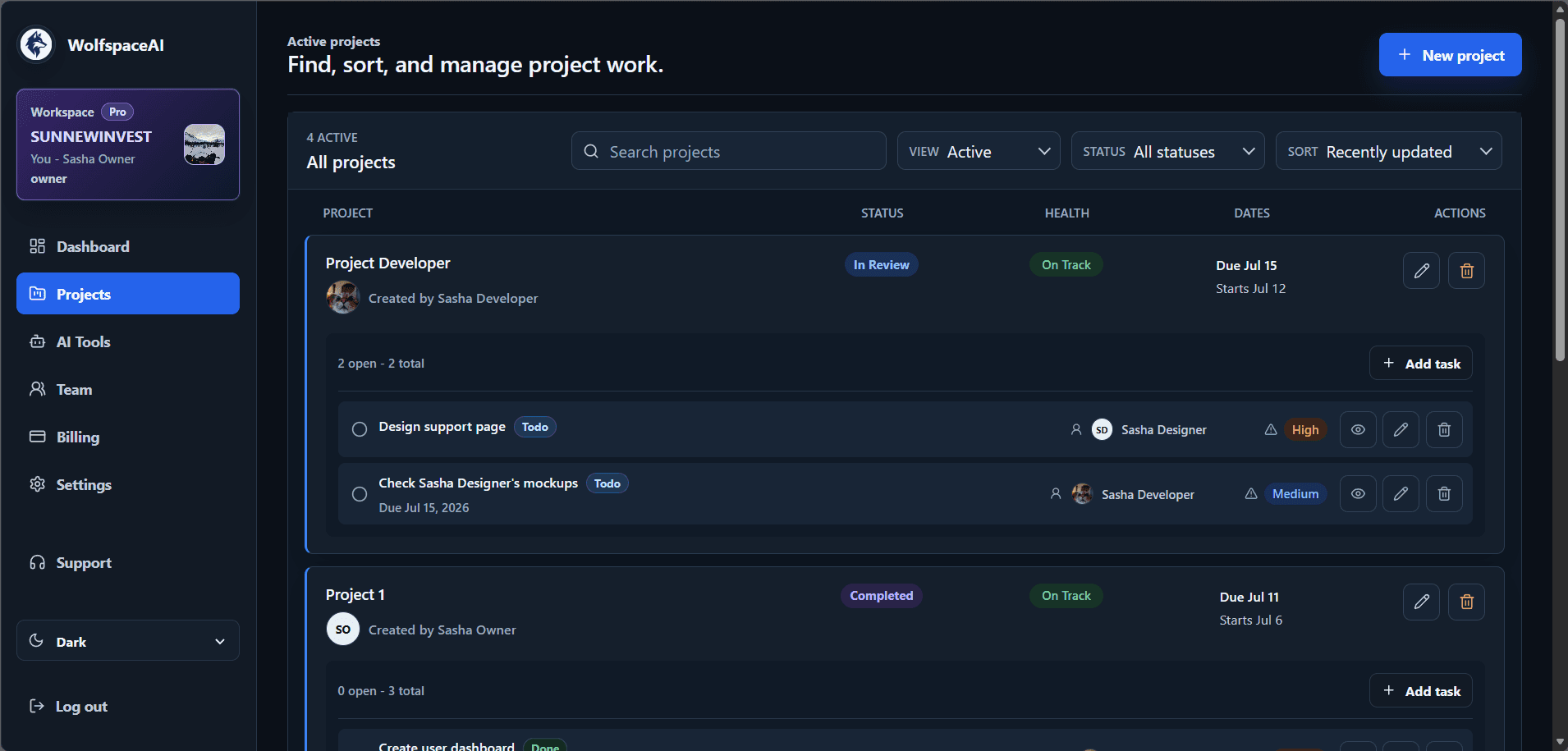
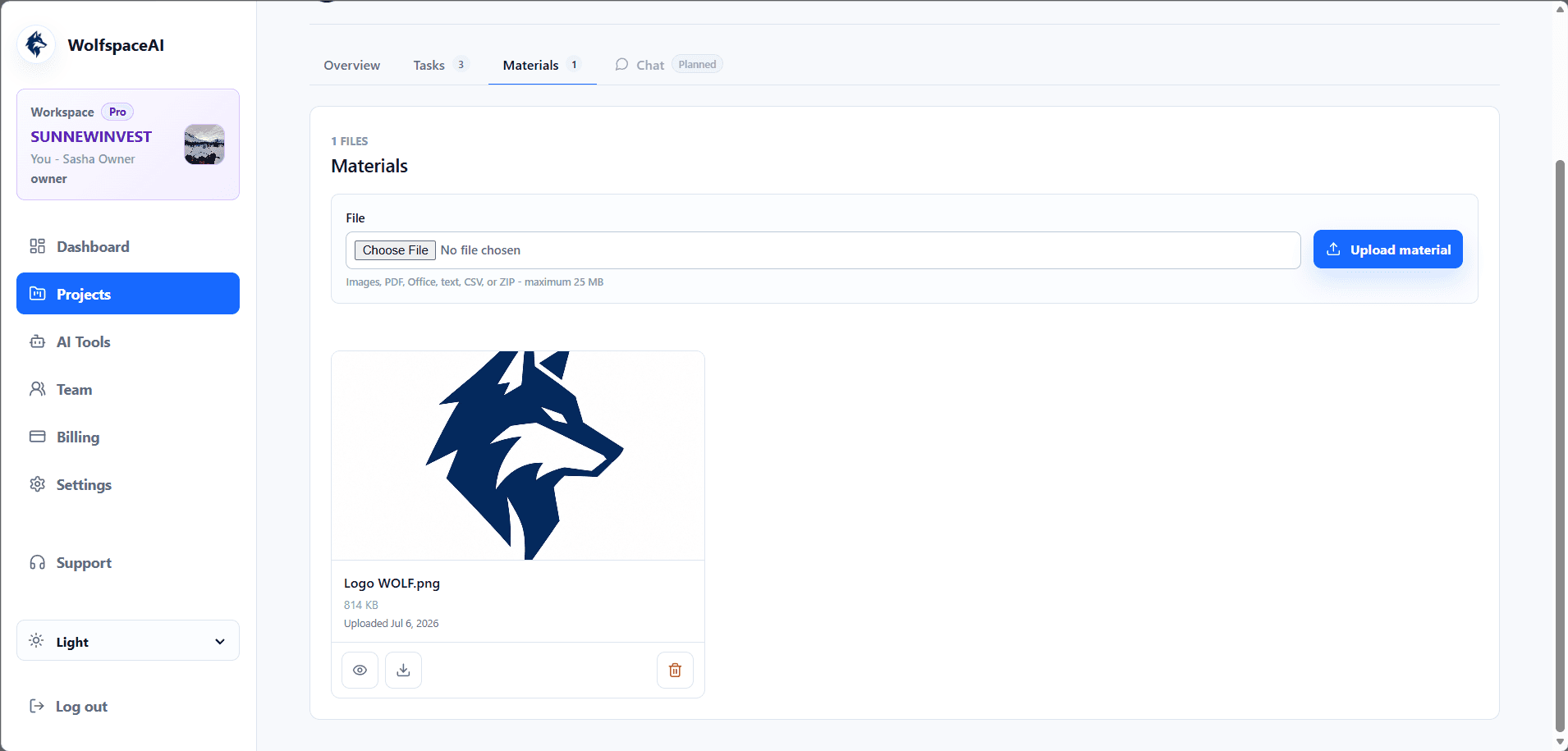
Each project includes its status, health, dates, team members, tasks, and files. The light and dark themes keep the same clear structure.
Full-stack ownership
Design and database rules.
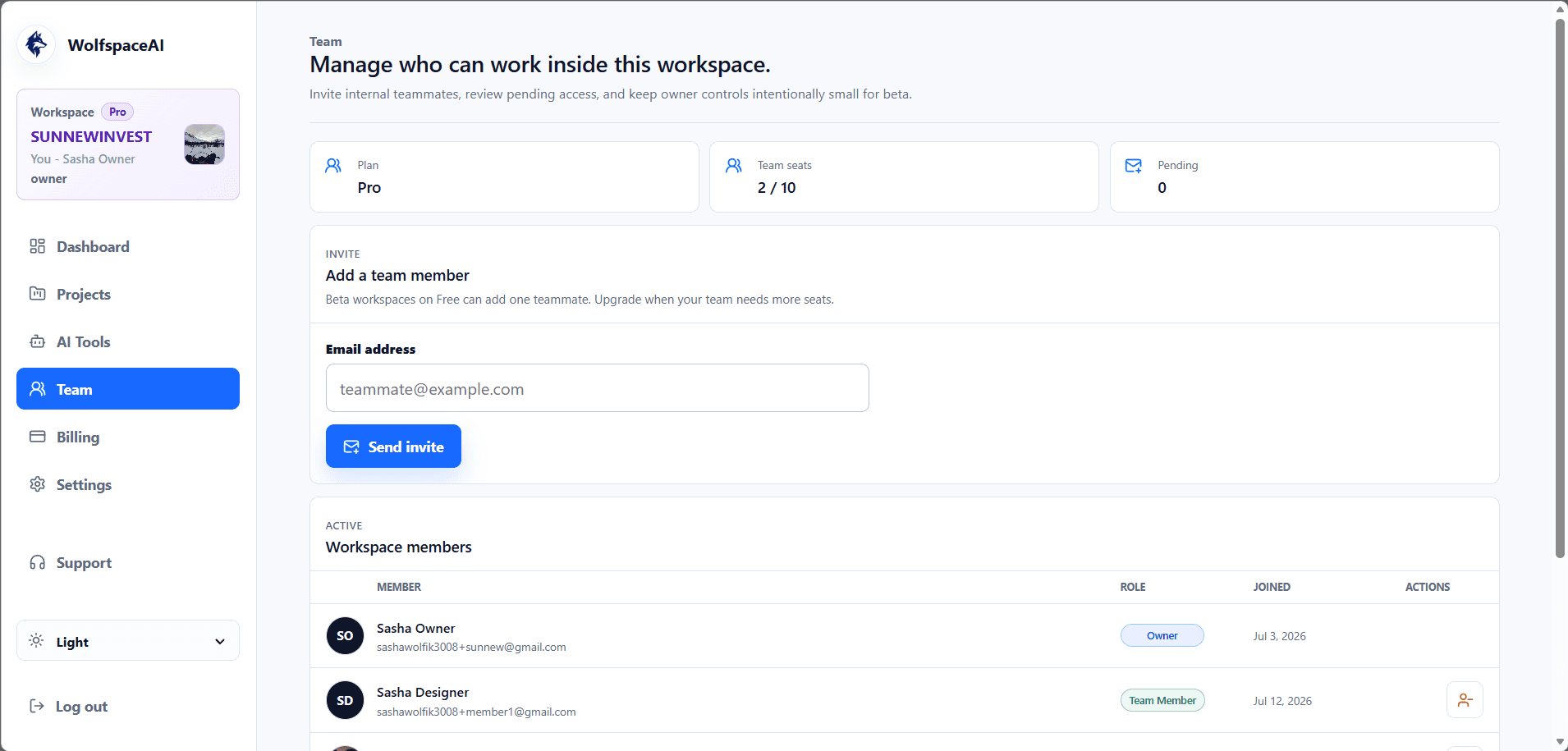
The product needs clear rules for workspace members, project owners, task assignments, files, plan limits, and account settings. PostgreSQL and Row Level Security protect data at the database level. Server checks are used for actions that need extra permissions.
I designed the interface and backend rules together.
Meeting notes
One focused use for AI: meeting notes.
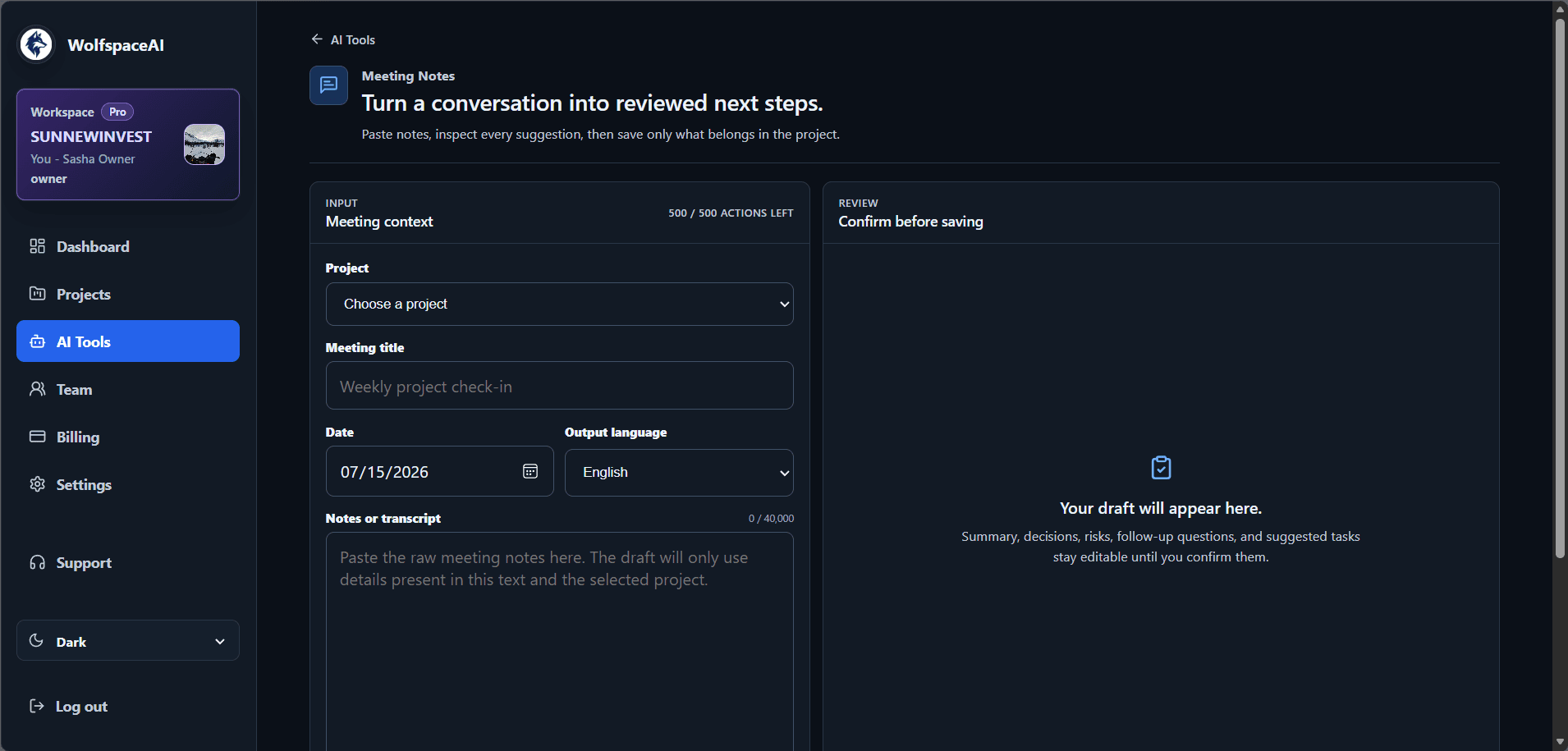
The meeting-notes tool turns raw notes into an editable draft with a summary, decisions, risks, follow-up questions, and suggested tasks. A user reviews and confirms the draft before anything is added to a project.
I kept AI within this one workflow to help with the routine work of sorting notes while leaving decisions with the team. The interface also shows available usage before a draft is created.
Delivery
What I built in 2 weeks.
In 2 weeks, I built authentication, onboarding, project and task workflows, team access, file uploads, account settings, plan limits, light and dark themes, and an AI-assisted meeting-notes workflow.
The result is a working full-stack workspace shaped by clear daily workflows, team access, and database rules designed alongside the interface.
The main workspace also works on smaller screens.
From idea to working product